Business · August 13, 2026 · 12 min read
New to Whistlr Shop? Let's Learn More Together
New to Whistlr Shop? Learn where to find creator storefronts, how live shopping and Minis product links work, and how to track orders in Whistlr Hub.
Whistlr Shop is the shopping side of Whistlr: buying products directly from the business accounts and creators you already follow, through their storefronts, their Minis, and their live streams. You do not need a separate app. You find a product, check it out, and then track it in Whistlr Hub alongside your receipts and favorites. This beginner guide covers where products appear, how to make your first purchase, what happens after checkout, and how to shop with confidence.
What Whistlr Shop Means for Buyers
Most online shopping begins with typing a query and scrolling past sellers you have never heard of. Whistlr flips that order. Here, shopping usually starts with a person or a brand you already watch. You follow an account because you like what it posts, and at some point that account offers something you can buy.
Behind each of those offers is a storefront powered by Whistlr Go, the commerce tool business accounts use to list products, manage variants such as colors and sizes, and handle orders. As a buyer, you do not need to know any of that machinery, and you never deal with it directly. What matters is that the products you see are connected to a real account with a profile, a posting history, and reviews from other shoppers.
That connection is the core idea behind shopping on Whistlr. Instead of treating commerce as a separate destination, products appear inside the same places you already spend time: the profiles you visit, the short videos you watch, and the live streams you join. Shopping becomes an extension of following, not a detour away from it.
- Who sells: Business accounts with a Whistlr Go storefront.
- Where you find products: On storefronts inside business profiles, attached to Minis, and pinned during live streams.
- Where you track purchases: Whistlr Hub, in Account Center, with My Orders, Receipts, and Product Favorites.
- Who can use it: Whistlr is an adults-only platform, so shoppers and sellers alike are 18 or older.
Where to Find Products on Whistlr
Products show up in a handful of places, each suited to a different way of shopping. Once you know them, browsing feels natural.
Storefronts on Business Profiles
When you visit a business account that sells on Whistlr, its profile can display a storefront section and a storefront banner. Tapping through opens the full store, where you can browse the catalog at your own pace. This is the best place to start if you already know which brand you want to buy from.
Product Links on Minis
Business accounts can attach a Whistlr Go product, or a link with a call to action, to a Mini. So when a brand shows off a product in a short video, you can often tap straight from the video to the item. It is the most spontaneous way to shop: you see something you like in context and act on it right away.
Pinned Products During Live Streams
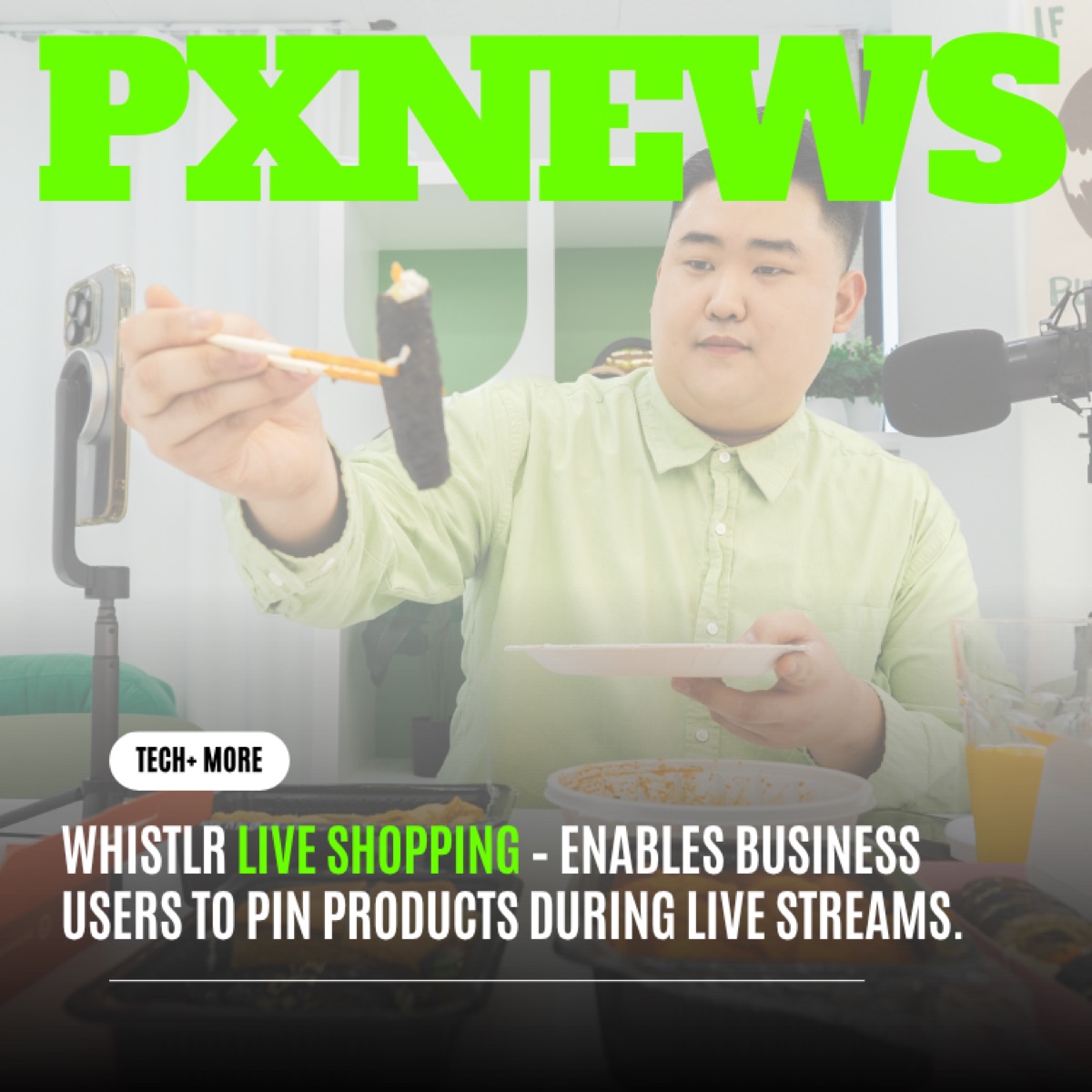
During a live stream, business accounts can pin products so they appear on screen with a Shop now option. You can watch the product being shown, hear it described, and buy without leaving the stream.
On Whistlr, you usually meet the seller long before you meet the product.
Live Shopping: See It, Ask About It, Then Buy
If you only try one thing as a new shopper, make it a live shopping stream. It answers the biggest weakness of online shopping, which is that a photo and a paragraph can only tell you so much.
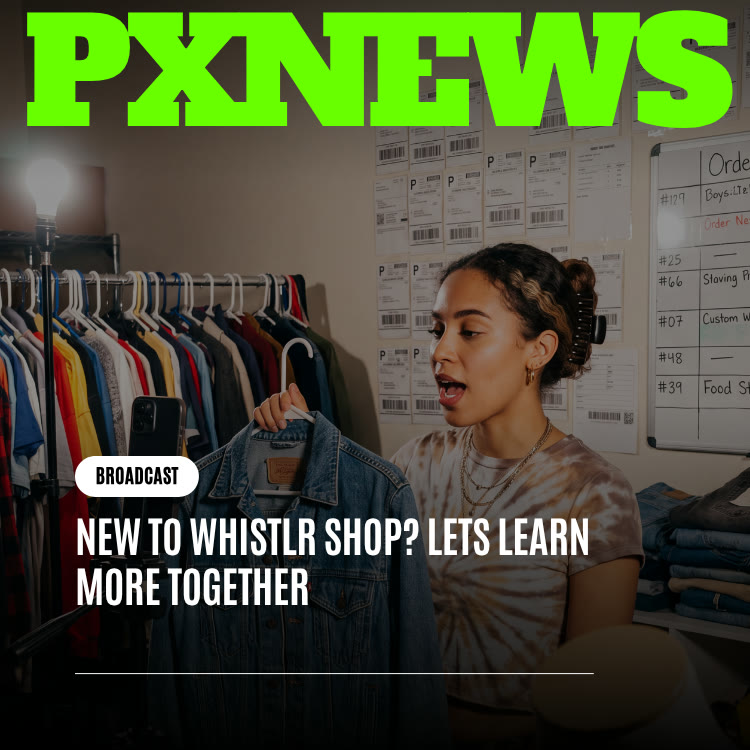
In a live stream, the seller can hold the item up, show it from different angles, and respond to the chat in real time. If you want to know how something fits, what it feels like, or how it compares to an earlier version, you can ask. Hosts can even pin a comment or run a question session, so popular questions get a visible answer for everyone watching.
- Watch for the pinned product: When the host pins an item, it appears with a Shop now button you can tap while the stream continues.
- Ask specific questions: "Does this run small?" gets a more useful answer than "Is this good?"
- Look at the details yourself: Even after the host answers, open the product page to confirm sizes, colors, and descriptions.
- Do not feel rushed: Products sold live typically also live in the seller's storefront, so you can return to it later.
Curious how sellers set this up? Our post on live shopping product pins covers the feature from the seller's side.
How to Make Your First Purchase on Whistlr
Your first order is the moment everything clicks. Here is a simple path to follow.
- Start with an account you already trust: Pick a brand or creator whose posts you have been following for a while. Familiarity makes the first purchase easy, and a small, low-cost item is a sensible way to learn the flow.
- Open the product page: Tap the product from their storefront, a Mini, or a live stream.
- Read the description carefully: Check materials, dimensions, and anything the seller notes about shipping or returns.
- Choose your variant: If the product comes in different colors or sizes, select the one you want before moving on.
- Check the reviews: Reviews from other buyers are especially valuable for fit and quality.
- Complete checkout: Confirm your order details and finish the purchase inside the app.
- Save what you love for later: If you are not ready to buy, add items to Product Favorites so you can find them again.
After Checkout: Tracking Orders in Whistlr Hub
A purchase does not disappear into a void once you pay. Everything you need to follow it, and to sort out any problem, sits in one predictable place, so you never have to remember which seller you bought from or dig through old messages.
Once you have bought something, Whistlr Hub becomes your home base. You will find it in Account Center, and its My Orders screen describes itself well: your purchases, all in one place.
Following Your Order
Each order shows its current status, such as processing, shipped, or delivered. When a seller marks an order as shipped and adds tracking, you can open the latest tracking update straight from the order.
Receipts
Every purchase has a receipt available from the order itself and from the Receipts section of Whistlr Hub, which is handy for your own records.
Messaging the Seller
If you have a question about your order, the Message option lets you contact the seller directly without hunting for their profile.
Getting Help
If something goes wrong, such as an item that never arrived or one that does not match its description, the Help option on the order is where you start. Storefronts on Whistlr Go have a disputes process for resolving problems.
Rating Your Purchase
After your order arrives, you can rate it and leave a review. Honest reviews help other shoppers and give sellers useful feedback.
How to Shop Safely on Whistlr
Buying from accounts you follow is a strong starting point, but good shopping habits still matter. Sellers on Whistlr agree to clear rules, and the platform can remove listings, pause campaigns, or lock a storefront when those rules are broken. Your own judgment is still the first line of defense. This checklist covers the essentials.
- Look for the Verified Business badge: Business verification runs through Stripe Connect and unlocks selling tools, so the badge tells you the account has gone through that review.
- Keep the transaction on Whistlr: Sellers agree to a Merchant Agreement that prohibits redirecting buyers off-platform. If a seller asks you to pay through another channel, treat that as a red flag.
- Read several reviews, not just one: Patterns across reviews are more reliable than any single opinion.
- Know what is not allowed: The Merchant Agreement bans categories such as weapons, drugs, adult content, counterfeits, scams, and fake reviews. Listings like that should not be on Whistlr.
- Use the Help option early: If an order seems off, raise it through the order's Help option rather than waiting.
- Protect your own account: Strong passwords and a secret question for account recovery keep your purchase history secure. Our guide to protecting your account walks through the settings.
Tips for Getting the Most Out of Whistlr Shop
Experienced shoppers on Whistlr tend to share a few habits. None require special knowledge, and all of them make discovery easier over time.
- Follow the brands you buy from: Following keeps their Minis, posts, and live streams flowing into your feeds, which is where new products and restocks usually appear first.
- Use Product Favorites as a wishlist: Saving items you are considering keeps them one tap away in Whistlr Hub, so you can compare later without searching again.
- Look locally: Nearby shows posts tagged with places around you, which can surface local businesses you did not know were on Whistlr. Location stays off unless you turn it on.
- Catch a live stream before a big purchase: Seeing an item handled on camera and hearing answers to other shoppers' questions is the closest thing to trying it in person.
- Read the comments as well as the reviews: Comments on a seller's Minis and posts often reveal how they treat customers and respond to questions.
- Leave a review after delivery: Your rating helps the next shopper and rewards sellers who deliver on their promises.
- Keep your receipts organized: Whistlr Hub stores them for you, which helps if you ever need to check a past order or raise an issue.
Small habits like these turn occasional purchases into a shopping experience that feels tailored to you, simply because it is built around accounts you chose to follow.
Why Buying From Creators and Brands You Follow Feels Different
There is a reason shopping on a social platform can feel more personal than shopping on a marketplace. The relationship comes first. By the time you consider buying, you may have watched dozens of the seller's Minis, caught a few of their live streams, and read what other peers say in the comments. You are not evaluating a stranger from scratch. You are extending trust you have already built.
That context changes the experience in small but meaningful ways:
- You know the seller's style: If you like what an account posts, you probably have a sense of its taste before you see a product.
- You see products in use: Minis and live streams show items in real situations, not just on a white background.
- You can ask directly: Comments, live chat, and order messages give you a way to reach the seller.
- Your purchase supports someone specific: Buying from an account you follow feels less like a transaction and more like backing a brand or creator you care about.
None of this replaces careful shopping. Read descriptions, check reviews, and use the safety habits above. But it does mean you start every purchase with more information than a cold listing usually gives you.
Thinking About Selling? Whistlr Shop From the Other Side
Many people who start as shoppers eventually wonder what it takes to sell. If you run a business or make products, Whistlr Go is the storefront tool behind everything described in this guide.
- Eligibility: Selling requires a business account connected to Stripe, and sellers must be 18 or older.
- Platform fee: Whistlr Go charges a 15% platform fee on storefront sales.
- Catalog tools: Add products with variants like color and size, or bulk import listings by CSV. Integrations are available for platforms including Shopify, WooCommerce, Printful, and Squarespace.
- Selling surfaces: Your storefront lives on your profile, you can attach products to Minis, and you can pin products during live streams.
- Running the store: Manage orders, customers, earnings, disputes, reviews, and notifications from the Storefront area of Business Suite.
- Staying in good standing: An Account Health score tracks items such as ID verification, tax forms, return policy, and payout setup.
To learn more, start with the Whistlr Go overview, then read about selling with live shopping.
Having shopped as a buyer first is a real advantage when you open a store. You already know what makes a product page trustworthy, which live streams make you want to buy, and how it feels when a seller answers a question quickly. Bring that perspective to your own storefront and your customers will feel the difference.
Frequently Asked Questions
How would you define Whistlr Shop in one sentence?
It is the buying experience inside Whistlr, where you buy products from business accounts through their Whistlr Go storefronts, product links on Minis, and products pinned during live streams.
How do I buy something on Whistlr?
Open a product from a business profile storefront, a Mini, or a live stream. Review the description and reviews, choose any variant such as size or color, and complete checkout in the app.
Where can I see my Whistlr orders?
Go to Account Center and open Whistlr Hub. My Orders shows every purchase with its status, and you can also find Receipts and Product Favorites there.
How does live shopping on Whistlr work?
During a live stream, a business account can pin products on screen. You tap Shop now to view and buy the item while the stream keeps playing, and you can ask the host questions in the chat.
What should I do if there is a problem with my order?
Open the order in My Orders and use the Help option to start the process. You can also use the Message option to contact the seller about questions before raising a dispute.
How do I know a Whistlr seller is legitimate?
Look for the Verified Business badge, read reviews from other buyers, and keep your purchase on Whistlr. Sellers agree not to redirect buyers off-platform, so a request to pay elsewhere is a warning sign.
Shopping on Whistlr is easiest to understand by trying it. Pick an account you already follow, open their storefront or catch their next live stream, and make one small purchase. Once you see your order land in Whistlr Hub, the rest of the experience will feel familiar.