
Share updates with your whole community at once
Broadcast channels are a one-to-many way to message the people who follow your business. You post, they get the update right in their messages.


What are broadcast channels?
A broadcast channel is a chat where only admins post. It’s built for announcements, so your updates never get buried under replies.
You create one from the same place you start a new group: choose Create Broadcast Channel, give it a Channel name and start sharing with your community.
People in your channel see every update in their messages, next to their other chats.
Want a back-and-forth instead? Group chats, direct messages and audio Rooms are all in the same inbox.
Tips for running a great channel

Name it for what it is
A clear Channel name tells people exactly what they’re joining, like drop alerts, restocks or live schedules.

Post on a rhythm
A steady schedule helps people know when to check in, and keeps your channel from feeling noisy.

Give members something first
Share early looks, behind-the-scenes updates and drop times in your channel before you post them anywhere else.

Take questions to DMs
Only admins post in a channel. When someone wants to ask about an order or a product, pick it up in a direct message.
PriyaMayaSam
 Messages
Keep it worth opening
Your updates appear in people’s messages next to their friends. Keep each one short, useful and clearly from you.

Point people to what’s next
Use your channel to tell people when you’re going live, posting a new Mini or opening a drop, so they show up when it matters.
How to start a broadcast channel
PriyaMayaSamMessages- Search...3+AddPriyaMayaSamPriya Raman12mcan we do the photos on Thursday instead?Devon Pierce1hDoes the canvas tote come in black?Sam OkaforTuesent a MiniMessages9:41
Open your messages and tap the new message button to begin setting up a new group.
Everything else in your messages
A broadcast channel is one part of Whistlr messaging. These tools help you keep every conversation with your community going.

- Weekend Market CrewMaya, Priya, Devon and 3 othersMessage...9:41
Bring your team, collaborators or a small group of regulars into one conversation.
Rooms
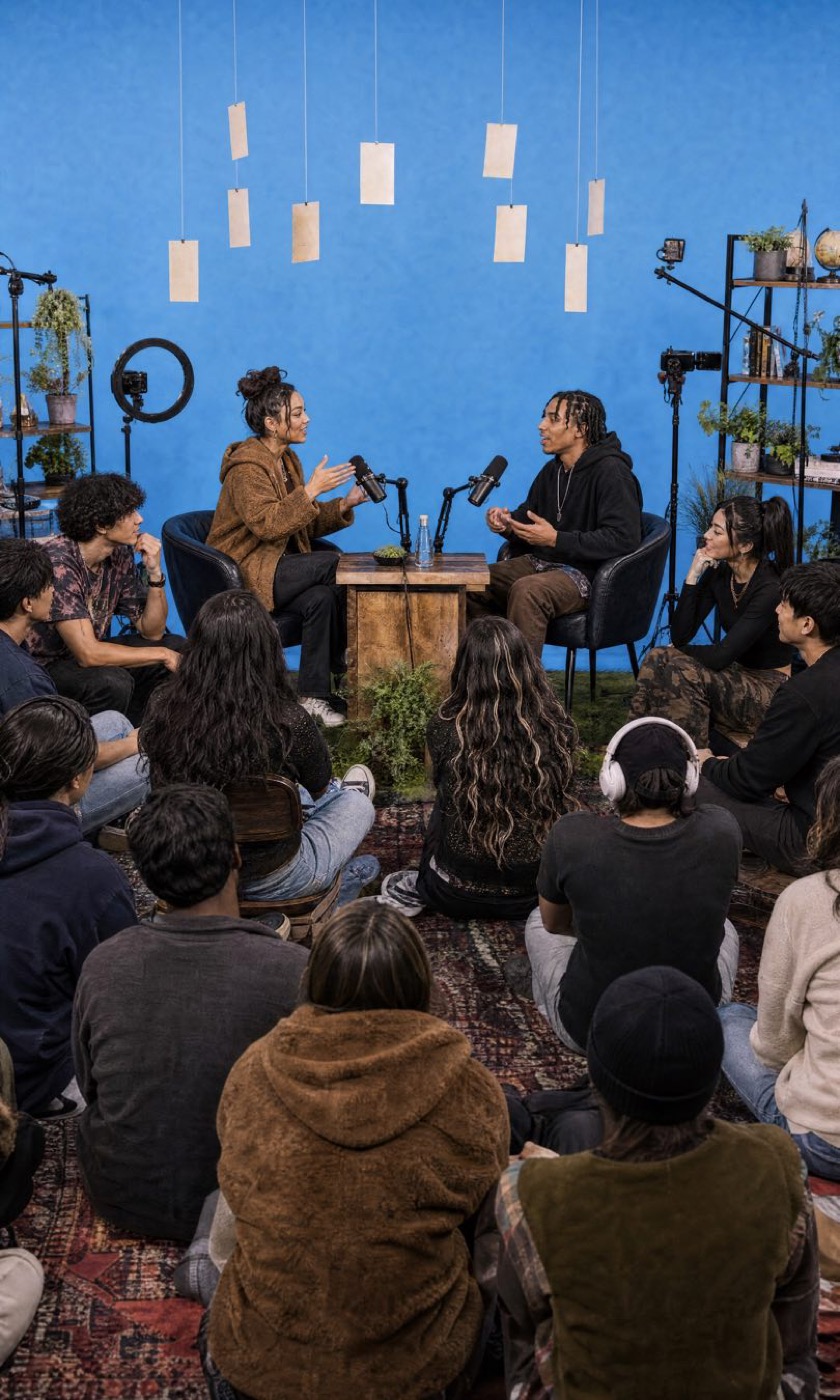
When you’d rather talk than type, open a Room. Rooms are live audio conversations you can start with a title of up to 40 characters.
Use them for Q&As, product walk-throughs or a casual hang with your community.
Questions?
Who can post in a broadcast channel?
Only admins. Members see every update, and the message bar shows that the channel is admin only.
Where do I create a broadcast channel?
Start a new group from your messages and choose Create Broadcast Channel, then give it a Channel name.
Can people message me directly?
Yes. Direct messages and group chats work alongside your channel, and new conversations wait in message Requests until you accept them.
Learn moreFollow @whistlrnetwork
For the latest news, product updates, and essential tips.